Owner · Manager · 3 min
Get your first real analysis
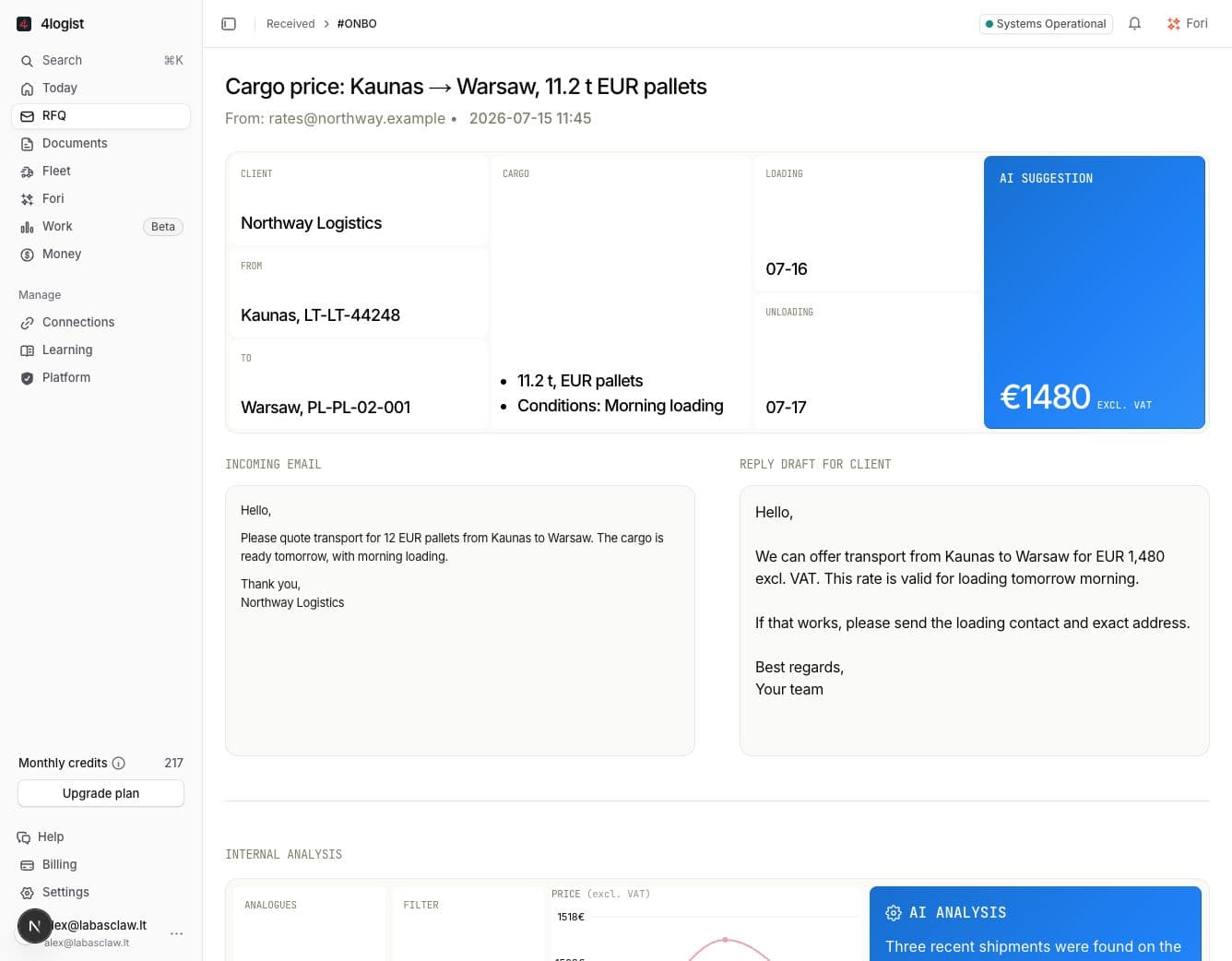
Test the agent on a normal customer request. It will read the route, find similar shipments, recommend a price, and prepare a reply draft.
What you will get
A new row will appear in RFQ. Open it to see the request details, recommended price, evidence, and reply draft on one page.
Steps
- Connect your work email and 4logist account.
- Forward one normal freight request to the connected mailbox.
- Open RFQ and wait for the new request to appear.
- Open the request. Check the route and price first, then the similar shipments and draft reply.
Need a person? Open Help at the bottom of the app and choose Message support.
Next useful stepConnect 4logist →